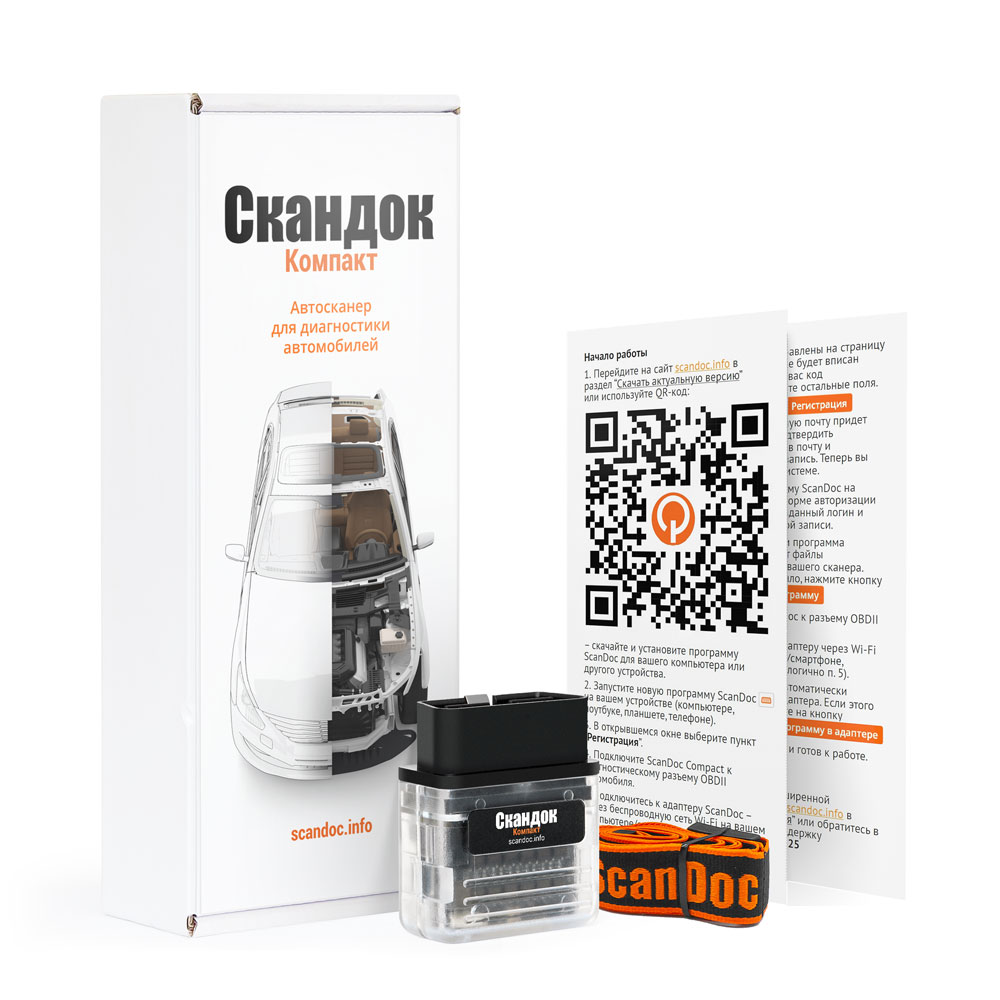
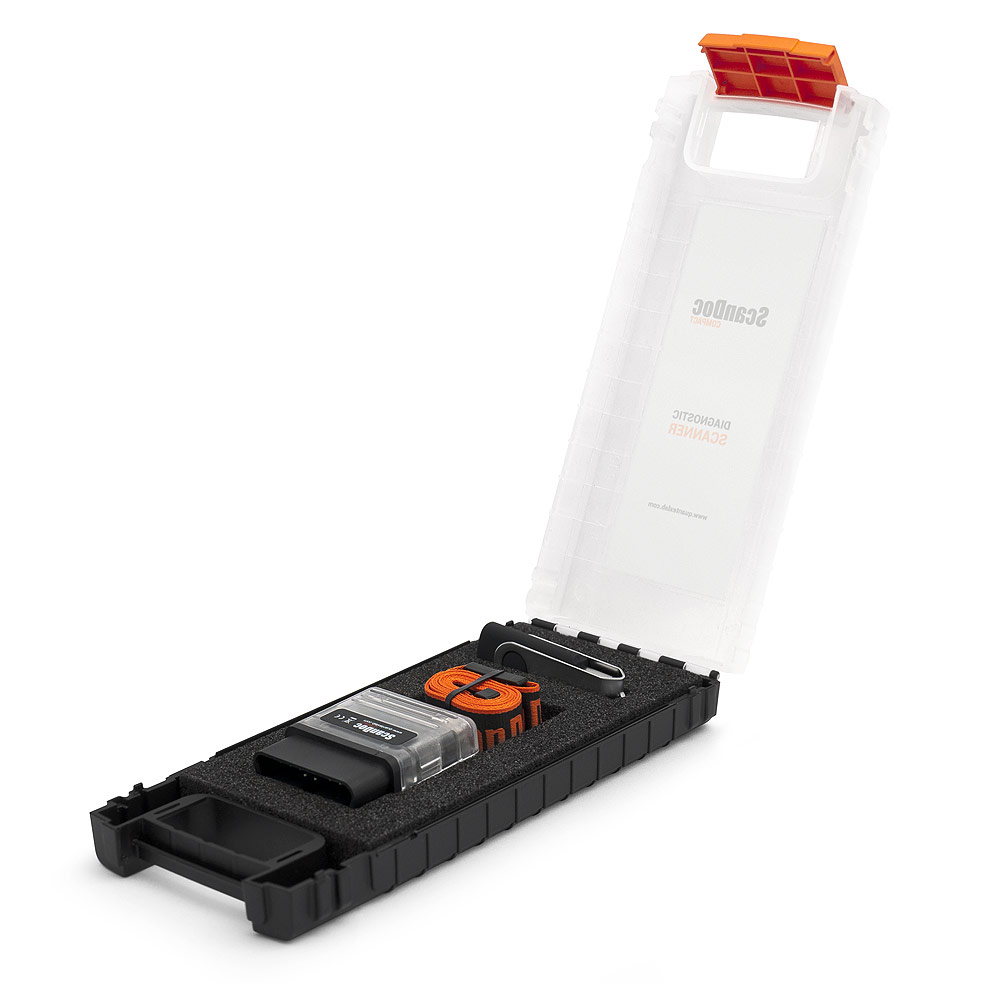
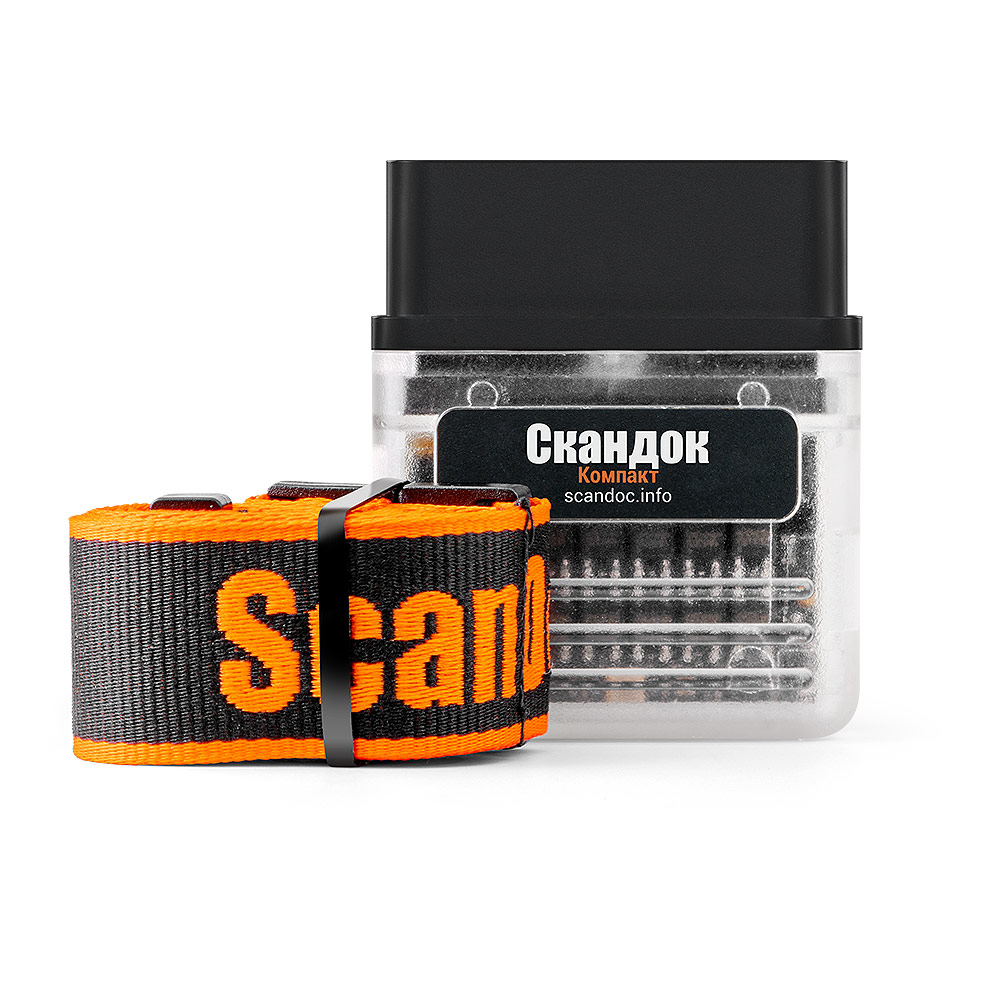
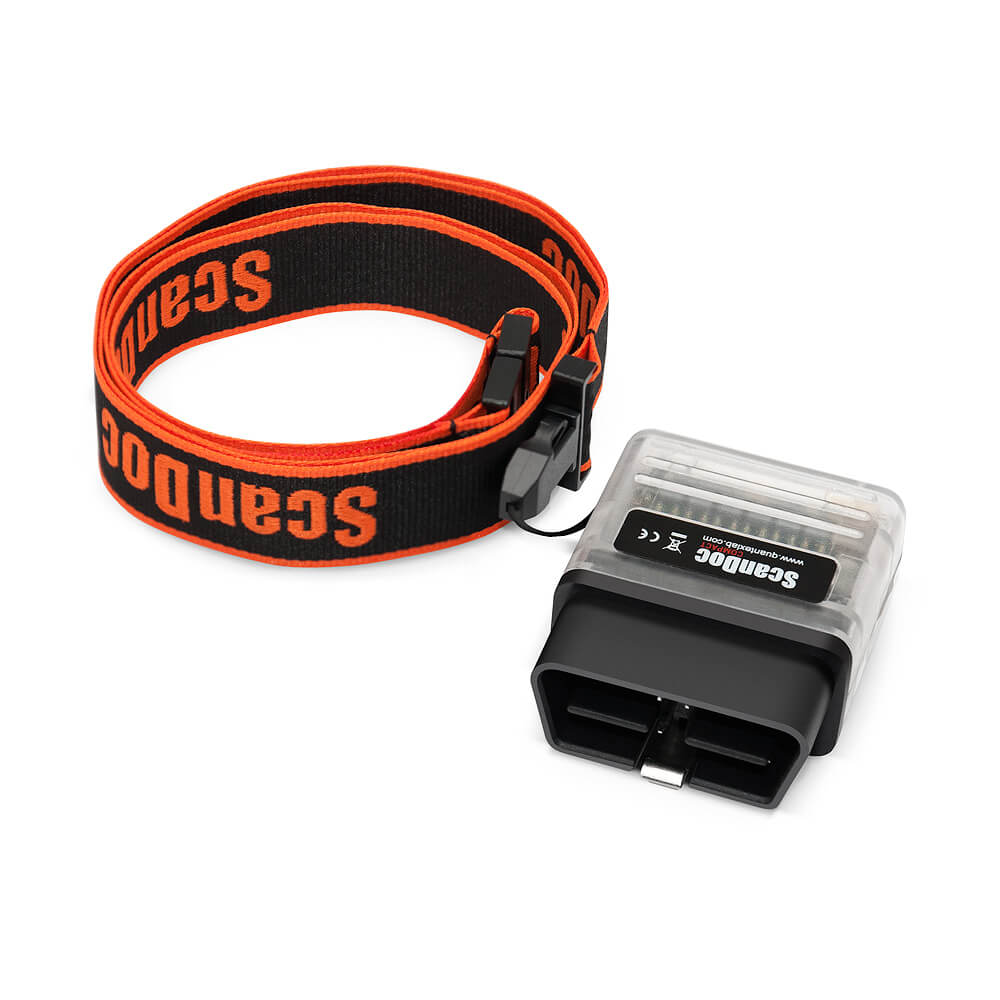
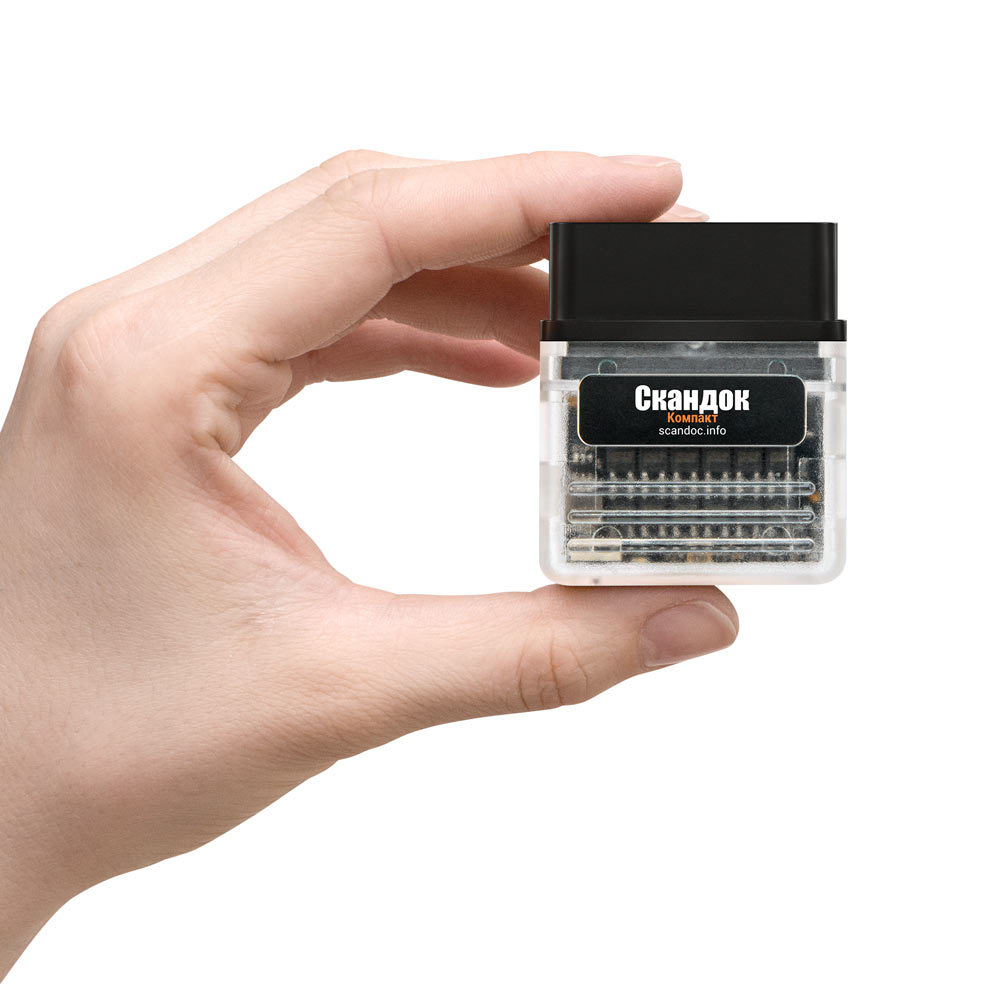
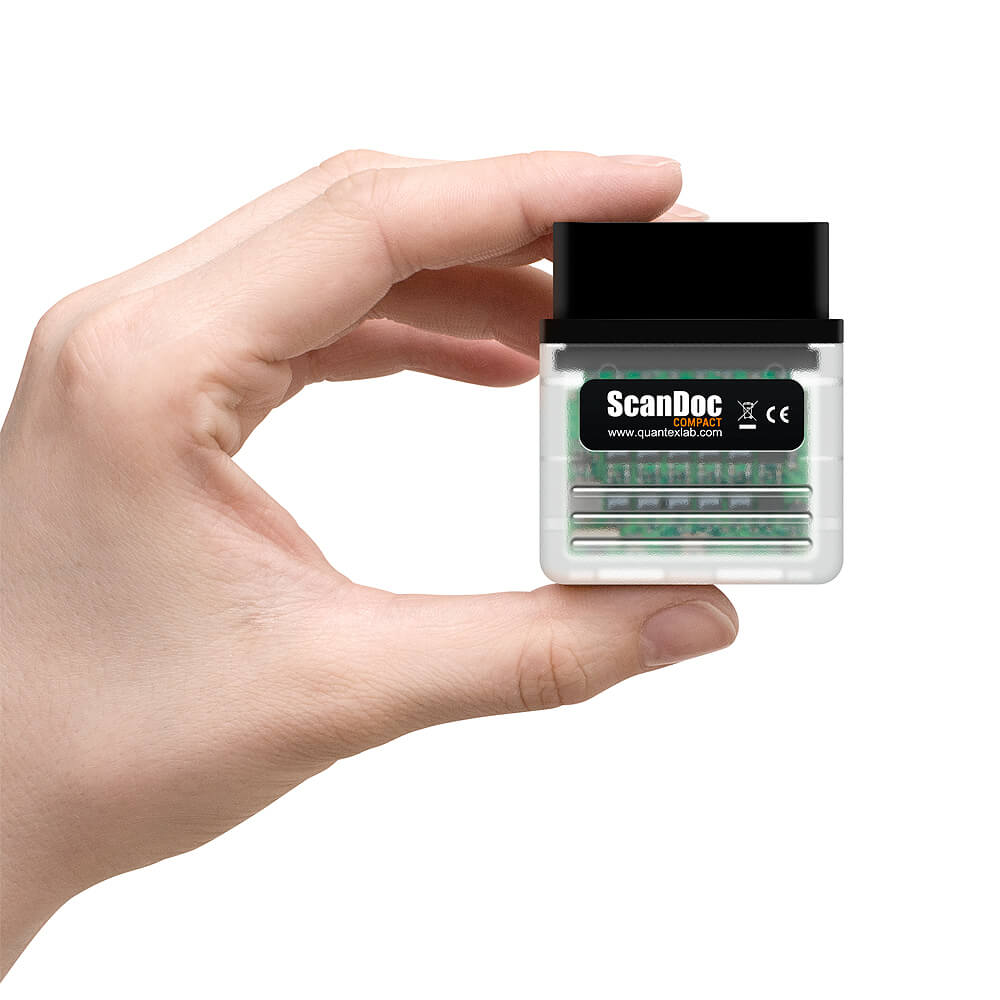
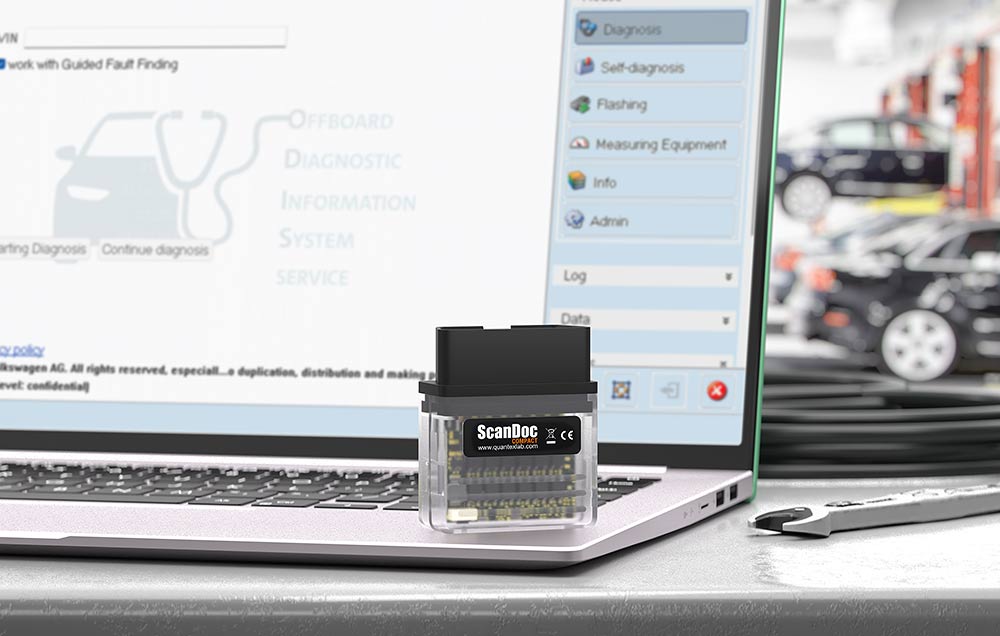
Multi-brand scanner with advanced diagnostic features. This is a professional tool for service stations, it has the necessary functions for the diagnosis and repair of cars.
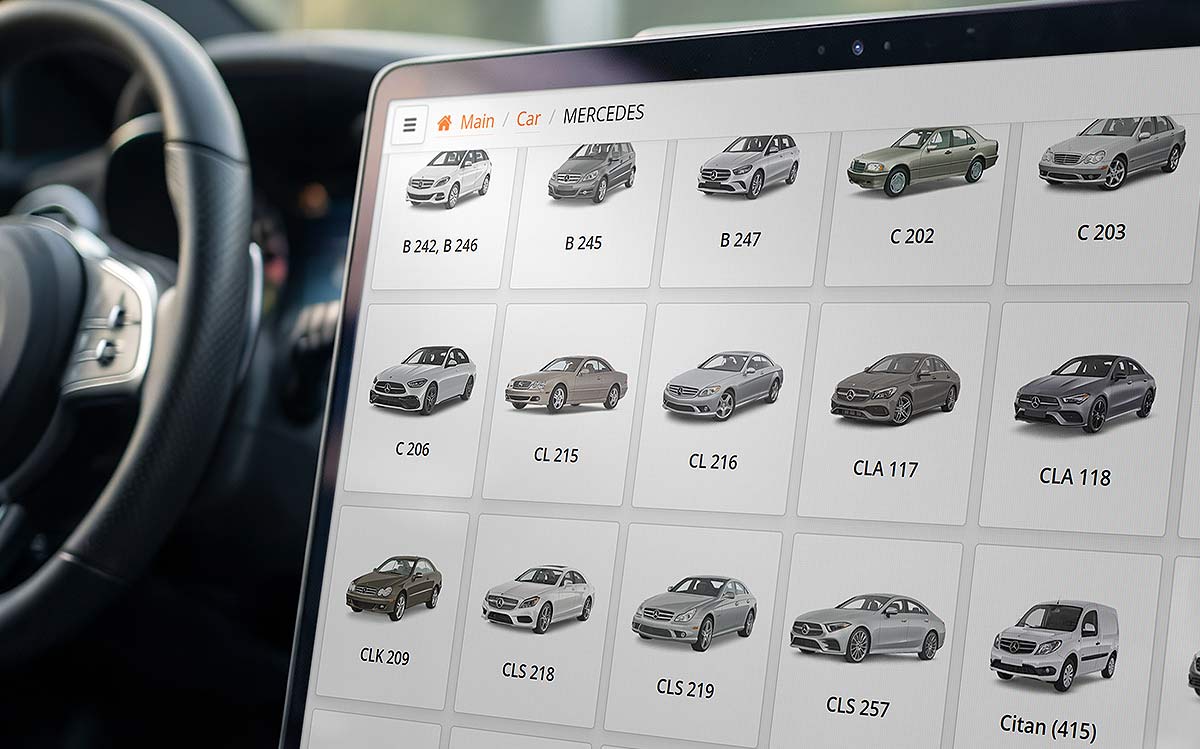
(available after purchase)
- is a diagnostic ecosystem that combines powerful functionality, an intuitive interface, and regular updates. It is suitable both for professional auto repair shops requiring fast and accurate diagnostics, and for technically savvy car owners who want to gain a deep understanding of their vehicle's condition.
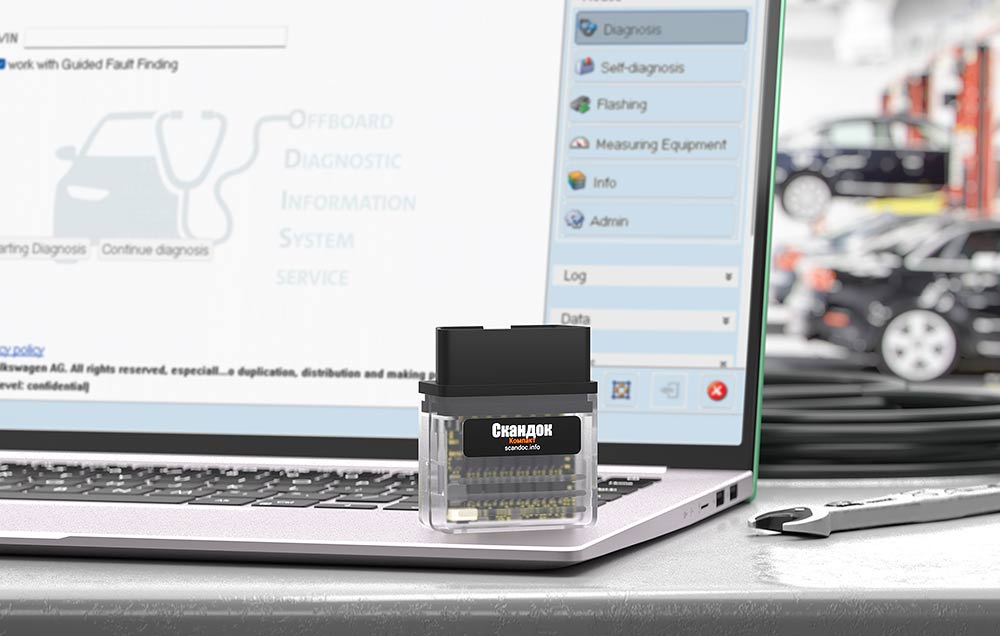
Thanks to J2534 standard support, Compact is compatible with dealer-level and professional diagnostic software.
This standard defines a communication protocol between diagnostic software and a diagnostic interface (adapter). If both the software and the adapter declare support for the J2534 standard, they can operate together. This regulation enables a workshop to use a single diagnostic interface for diagnosing and programming vehicles from different manufacturers.
The diagnostic interface must be certified by each automotive manufacturer. Some manufacturers allow their diagnostic software to work with non-certified diagnostic interfaces, but in this case, they assume no responsibility for potential issues that may arise when using such an adapter.
| Vehicle Brand | Software link and information |
|---|---|
| AUDI | www.erwin.audi.com |
| BMW | www.aos.bmwgroup.com |
| HONDA | |
| LEXUS | www.lexus-tech.eu www.techinfo.toyota.com |
| MERCEDES-BENZ | www.startekinfo.com |
| SEAT | www.erwin.seat.com |
| SMART | www.gsp-ti-shop.de |
| TOYOTA | www.toyota-tech.eu www.techinfo.toyota.com |
| VOLKSWAGEN | www.erwin.volkswagen.de |
| VOLVO | www.volvotechinfo.com |
Please note that the ScanDoc adapter implements the J2534 protocol according to the standards of this protocol. However, the manufacturers of the listed software may add new features, therefore full support for all functions of this software is not guaranteed.